Delta Comparison
Delta compares logs across versions, devices, and builds to isolate what changed, and what broke. Drop in two or more files of any supported format, and Delta aligns them on a unified timeline, surfaces behavioral differences across kernel, framework, and app layers, and lets you ask follow-up questions that pull evidence from every file at once. Delta compares behavior, not text. Timing shifts, events that stopped happening, and changed state show up as concrete entries instead of line-by-line churn.
Before you start: every file in a comparison must be in an accepted format. See Supported file types.
What Delta Comparison does
- Cross-file behavioral diff: surfaces new errors that appeared, events that stopped occurring, timing shifts, and state changes. Each diff entry marks additions (+), removals (−), and modifications (~) with the actual values, e.g.
+GC: alloc 512MB,~OOM score: 250→900. - Timeline alignment: files captured with different clock sources or timestamp formats are normalized onto a single chronological axis, so events across kernel, framework, app, modem, and vendor logs line up correctly.
- Cross-layer correlation: events from kernel, framework, drivers, and app layers are correlated within the same comparison, so a kernel-level cause can be linked to a user-visible symptom in a different file.
- Mixed-format support: any supported formats can be uploaded together and mixed in a single comparison. Formats are auto-detected. Every file in a comparison has to have analyzed successfully first, so one whose analysis failed, or that needed a capability your account doesn’t have, can’t be included until that’s resolved.
- Two or more files: compare as many as you need. The more context you provide (e.g. a working build, a broken build, and a known-bad capture from another device), the tighter the correlation.
- Natural-language queries: once files are uploaded, ask questions in plain English. Answers cite the source file and line, drawing evidence from every uploaded file in a single response.
- Powered by Deep Research: the deep-comparison mode runs the full Deep Research agent across the uploaded set. It plans an investigation, forms hypotheses, and traces causal chains across versions and layers.
Common comparison modes
Delta is shaped to a few recurring debugging patterns:
- Regression detection:
v1.0(working) vsv1.1(broken). What appeared in the broken build that wasn’t in the working one? - Before / after a change: pre-fix and post-fix logs from the same device. Did the fix actually change the behavior you expected?
- Device to device: same software, different hardware. Surfaces device-specific quirks, BSP differences, and hardware-bound regressions.
- Multi-source investigation: bugreport + dmesg + logcat from the same device, correlated. Useful when a single source doesn’t have enough context.
- Field test comparison: captures from different locations, times of day, or network conditions. Surfaces environment-specific patterns.
- Test run comparison: a passing run vs a failing run. Isolates what changed between green and red.
Running a comparison
- Upload two or more files at console.logcat.ai: drag-and-drop any mix of supported formats.
- Wait for processing: each file is analyzed, with progress shown in the console.
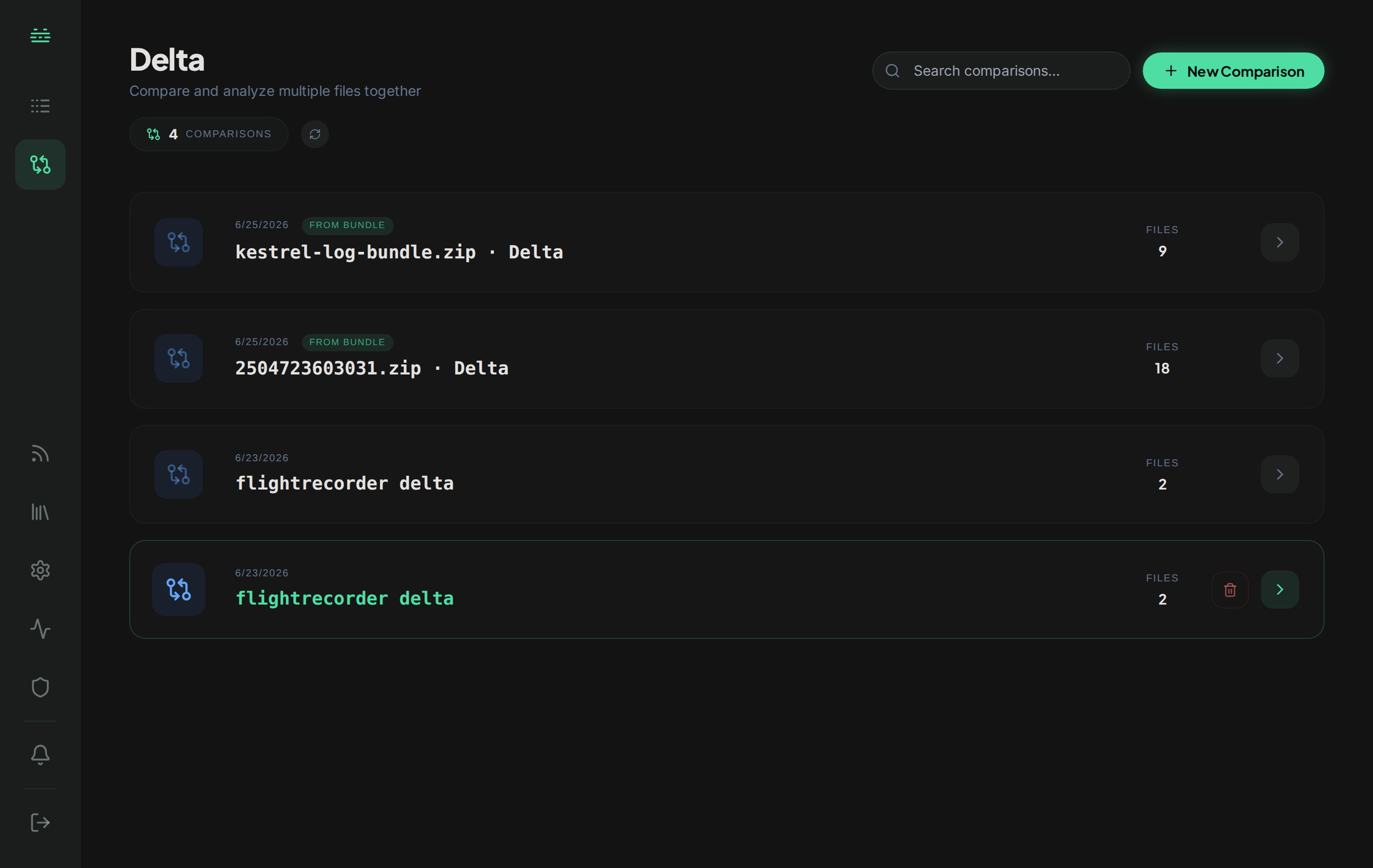
- Open the Delta tab from the left navigation. The comparison view loads with a unified timeline across all uploaded files.
- Review the behavioral diff: additions, removals, and modifications surface as concrete entries. Click any entry to jump to the source line in the relevant file.
- Ask follow-up questions in plain English: “What changed in the boot sequence?”, “Why did this only fail on v1.1?”. Answers cite evidence from every uploaded file.
- Run a deep comparison for multi-step investigations: the Deep Research agent forms hypotheses, runs searches across the file set, and produces a citation-backed report covering all files.
Writing good comparison queries
Delta is sharpest when queries name a symptom or behavior to compare:
- “What new errors appear in the broken build that aren’t in the working build?”: explicit version axis, focused on regressions.
- “Compare boot sequences between the two devices.”: bounded scope, named cross-file dimension.
- “When did the modem start dropping packets in v1.1?”: symptom plus version anchor.
- “What’s different about the GC behavior between these captures?”: subsystem named, comparison implied.
- “Did the OOM killer fire in either run?”: concrete event; either makes the cross-file scope explicit.
Less effective queries:
- “What’s different?”: too broad, no anchor.
- “Fix the regression.”: Delta surfaces what changed, it doesn’t patch code.
Reading the comparison
A Delta comparison returns a structured view rather than a single answer:
- Unified timeline: all uploaded files placed on a single chronological axis, with clock-skew normalized.
- Behavioral diff: additions, removals, and modifications surfaced as discrete entries. Each links to the source line in the corresponding file.
- Cross-file evidence: when you ask a follow-up, the answer pulls log lines from whichever files are relevant, with citations to each.
- Investigation steps: for deep comparisons, the agent’s full plan and every search it ran across the file set, for auditing the reasoning.
- Feedback: thumbs-up or thumbs-down on the comparison.
Sharing and history
- Share: every comparison has a public link that lets teammates, vendors, or support teams view the full investigation across all uploaded files, including citations, without signing in or creating an account.
- Export: download as PDF for incident write-ups or attach to tickets.
- History: past Delta comparisons are saved per-account, so you can revisit a prior comparison rather than re-uploading the file set.