Preparing Android logs
Preparing Android logs
Use this guide if you’re debugging an Android device, app, or framework: phones, tablets, wearables, TVs, AAOS head units, or any AOSP-based device.
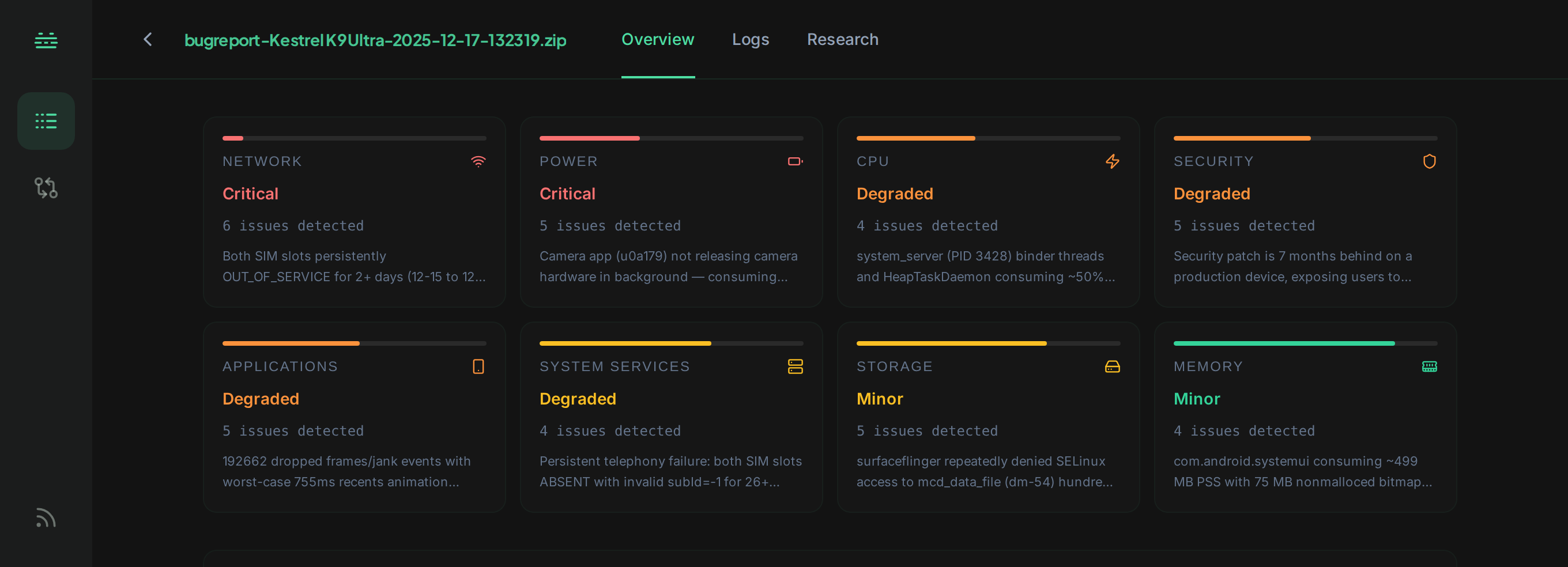
Accepted log types
- Bugreports:
.zipfromadb bugreport, including OEM-style nested bugreport zips. Multiple bugreport zips can be uploaded in a single batch. - logcat: output from
adb logcat, the Android Studio Logcat panel, or CI/CD log artifacts. dmesg: kernel ring buffer (auto-included in bugreports; can also be uploaded standalone).- ANR traces:
traces.txtand per-incident captures. - Tombstones: native crash dumps from
/data/tombstones/. dumpsysoutput: full or per-service dumps (e.g.dumpsys batterystats).- Event logs: output of
adb logcat -b events.
For the full accepted/rejected list, see Supported file types.
Capturing logs
adb
# Full bugreport (recommended: bundles logcat, dmesg, dumpsys, etc.)
adb bugreport bugreport.zip

# Standalone logcat (current buffer dump)
adb logcat -d > logcat.txt

# Specific buffers (radio for modem debugging, events for system events)
adb logcat -d -b radio > logcat-radio.txt
adb logcat -d -b events > logcat-events.txt

# Kernel ring buffer
adb shell dmesg > dmesg.txt

# Tombstones (requires root or eng/userdebug build)
adb pull /data/tombstones ./tombstones
Android Studio
In the Logcat tool window, click the gear icon and choose Restore Default View to ensure timestamps and tags are present, then export with the Export button. Both plain-text and JSON exports are accepted.
CI / CD artifacts
CI logs from Firebase Test Lab, Gradle Managed Devices, or your own emulator pipelines can be uploaded directly as long as they are text. Bugreports collected in CI runs upload as .zip without conversion.
Example questions to ask
Ask from the Research tab once the file is analyzed. Reach for Quick Search when you already know what you’re after, Deep Research when you need the root cause.
Quick Search for fast, cited lookups:
- “Show all OOM kills in the last hour.”
- “Find SELinux denials for
system_server.” - “What killed
MediaService?”
Deep Research for multi-step root-cause investigations:
- “Why did
com.example.appANR at 14:32, and trace it back to its cause?” - “Why did the device reboot?”
- “What’s the root cause of the battery drain?”
See Quick Search and Deep Research for how the two modes differ.
Next
- Quick Search: fast natural-language answers from a single file.
- Deep Research: multi-step investigation across kernel, framework, and apps.
- Delta Comparison: compare logs across builds, devices, or before/after a change.